Learn how to create a Youtube timestamp link to improve video navigation, boost engagement, and enhance your SEO. Actionable tips for creators and viewers.
How to Create a Youtube Timestamp Link to Boost Engagement
A Youtube timestamp link is a URL that directs viewers to a precise moment in a video, allowing them to bypass earlier sections. By adding a time code like ?t=2m15s to a standard Youtube link, you can drop someone right at the 2-minute, 15-second mark. This small tweak solves a real problem for viewers, making long-form content more accessible and helping you deliver value faster.
Why Youtube Timestamps Are a Productivity Game-Changer
Ever tried to share a key insight from a webinar or point a colleague to a specific answer in a long tutorial? Telling them to "skip to around the 10-minute mark" is inefficient. A Youtube timestamp link solves this problem instantly. It's more than just a convenience—it’s a powerful productivity tool that makes your videos more accessible and user-friendly.
When you guide people directly to the moments that matter most, you respect their time. This simple act solves the viewer's problem of finding information quickly and transforms a passive viewing experience into an actively engaged one.
Making Your Videos More Accessible and Shareable
Sharing a link to an exact moment is like sharing a specific highlight rather than the entire game. It's focused, efficient, and far more compelling. People are much more likely to click and share a link that solves their problem by getting straight to the point.
This is especially true in highly connected markets. For example, Youtube’s advertising can reach 15.50 million users in the Netherlands, which is a staggering 92.2% of the country's internet-connected population. In a market this engaged, creators who use timestamps are catering to an audience that expects efficiency. You can dive deeper into these numbers in the full report on Dutch digital trends.
By removing the friction of scrubbing through a video, timestamps encourage people to watch longer, share more, and connect more deeply with your content. It’s a simple change that makes a huge difference.
How It All Works (It’s Simpler Than You Think)
Don't let the idea of "code" scare you off. A timestamp is just a tiny snippet tacked onto a Youtube URL. No technical wizardry required. There are two main ways it shows up:
- The
?t=parameter: You'll use this for clean, standard Youtube URLs. - The
&t=parameter: This one gets added to links that already have a question mark in them, like those from a playlist.
Today, you don't even have to do this manually. Modern AI transcription tools can handle the whole process, turning your long-form videos into well-organised, searchable chapters. This not only solves the viewer's navigation problem but also helps search engines understand your video's structure, boosting your content's accessibility and discoverability.
How to Create a Youtube Timestamp Link on Any Device
Ever tried to share a specific moment in a Youtube video, only to tell your friend to "skip to around the two-minute mark"? There's a much better way. Creating a Youtube timestamp link is a simple skill, but the exact steps can differ slightly depending on whether you're on a desktop or your phone.
Let's break down how to create a link that sends someone to the exact second you want them to see, no matter the device.
Nailing It on a Desktop: The Easy Ways
If you're on a laptop or desktop computer, Youtube makes this incredibly easy. You have a couple of lightning-fast options that don't require any manual typing.
The quickest method involves a simple right-click. Just pause the video at the exact moment you want to share, right-click anywhere on the video player, and a menu will pop up. From there, select Copy video URL at current time. Done. The link is now on your clipboard, ready to paste.
Alternatively, you can use the 'Share' button just below the video. When you click it, a panel appears with the video link. Look for a small checkbox at the bottom labelled “Start at.” It automatically fills in the current time. Just tick the box, copy the link, and you're good to go.
Building a Timestamp Link by Hand
What if you already have a Youtube link and just want to add a timestamp to it? This is super useful if you're updating a list of links or adding references to a document. It's just a matter of tacking on a small bit of text to the end of the URL.
- For standard links: If your URL looks like
youtube.com/watch?v=VIDEO_ID, you just add&t=followed by the time. For a jump to 2 minutes and 15 seconds, you’d add&t=2m15s. - For shortened links: For the shorter
youtu.belinks, you use?t=instead. The same example would look like this:youtu.be/VIDEO_ID?t=2m15s.
This flowchart breaks down the whole process visually. You find the moment, create the link, and share.
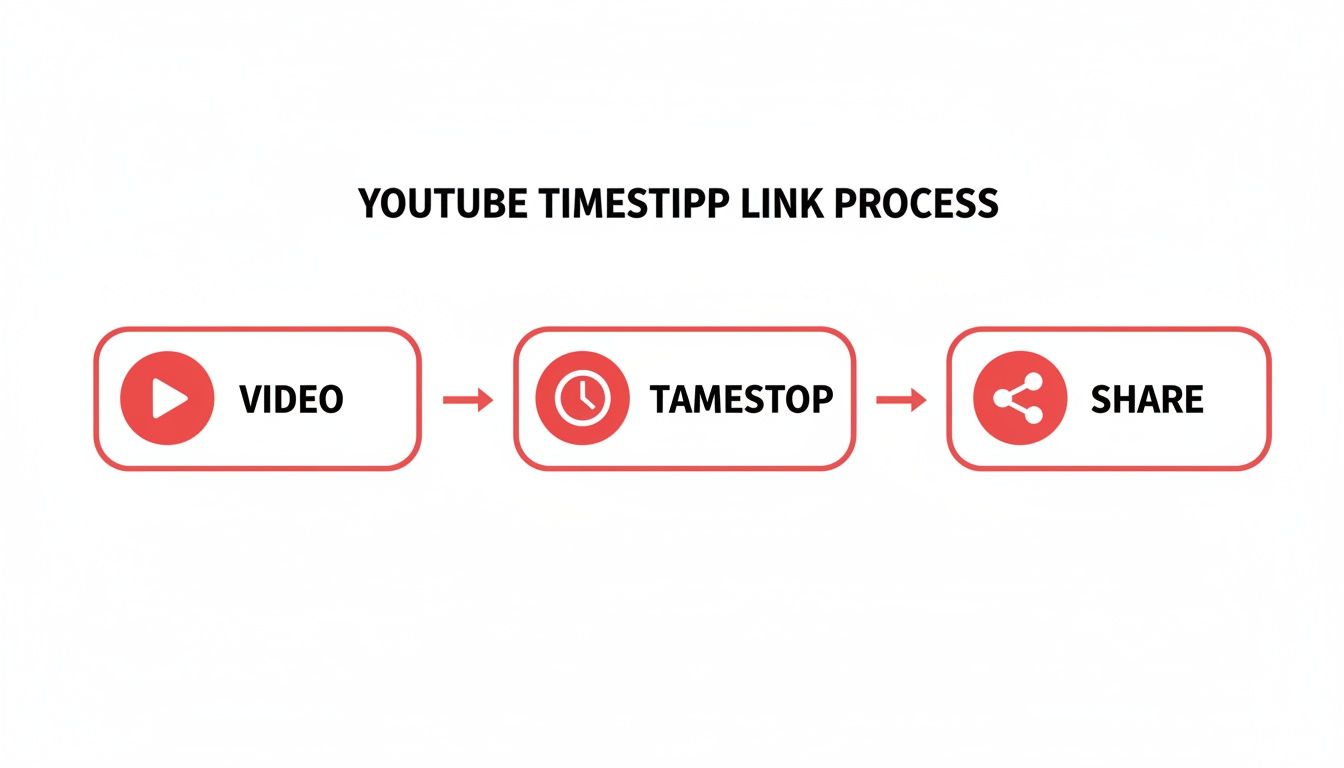
As you can see, it's a simple three-step flow: watch, pinpoint the time, and share the specific link.
Making Timestamps on Mobile Devices
The Youtube mobile app is a bit different. It’s missing that handy “Start at” checkbox you get on the desktop site. This means you’ll need to make a small manual tweak.
First, while watching the video, tap the Share button, then Copy link. Next, paste that link into a notes app, text message, or wherever you're writing. Now you'll need to add the timestamp yourself by typing ?t=XmYs at the end of the URL, where 'X' represents minutes and 'Y' represents seconds.
Knowing how to manually add a time code is a great skill for mobile users. It puts you in complete control, letting you link to any moment in a video right from your phone.
Manually adding timestamps can get a little old, especially for long videos with many key moments. It's also the first step you'd take if you wanted to get a Youtube video transcript for a specific section, a process that can be automated to boost your productivity and make content repurposing much easier.
Using Timestamps to Improve Your Video SEO
A Youtube timestamp link is more than just a trick for sharing clips; it's a seriously underrated tool for boosting your video’s performance. When you add timestamps to your video descriptions and comments, you solve the viewer's problem of finding information, and Youtube’s algorithm loves that.
Think about it: when you lay out your video with clear timestamps, you're handing Youtube and Google a roadmap of your content. This improves the video's accessibility and helps algorithms understand its structure, making it much more likely they'll show it to the right people.
Creating a Timestamped Table of Contents
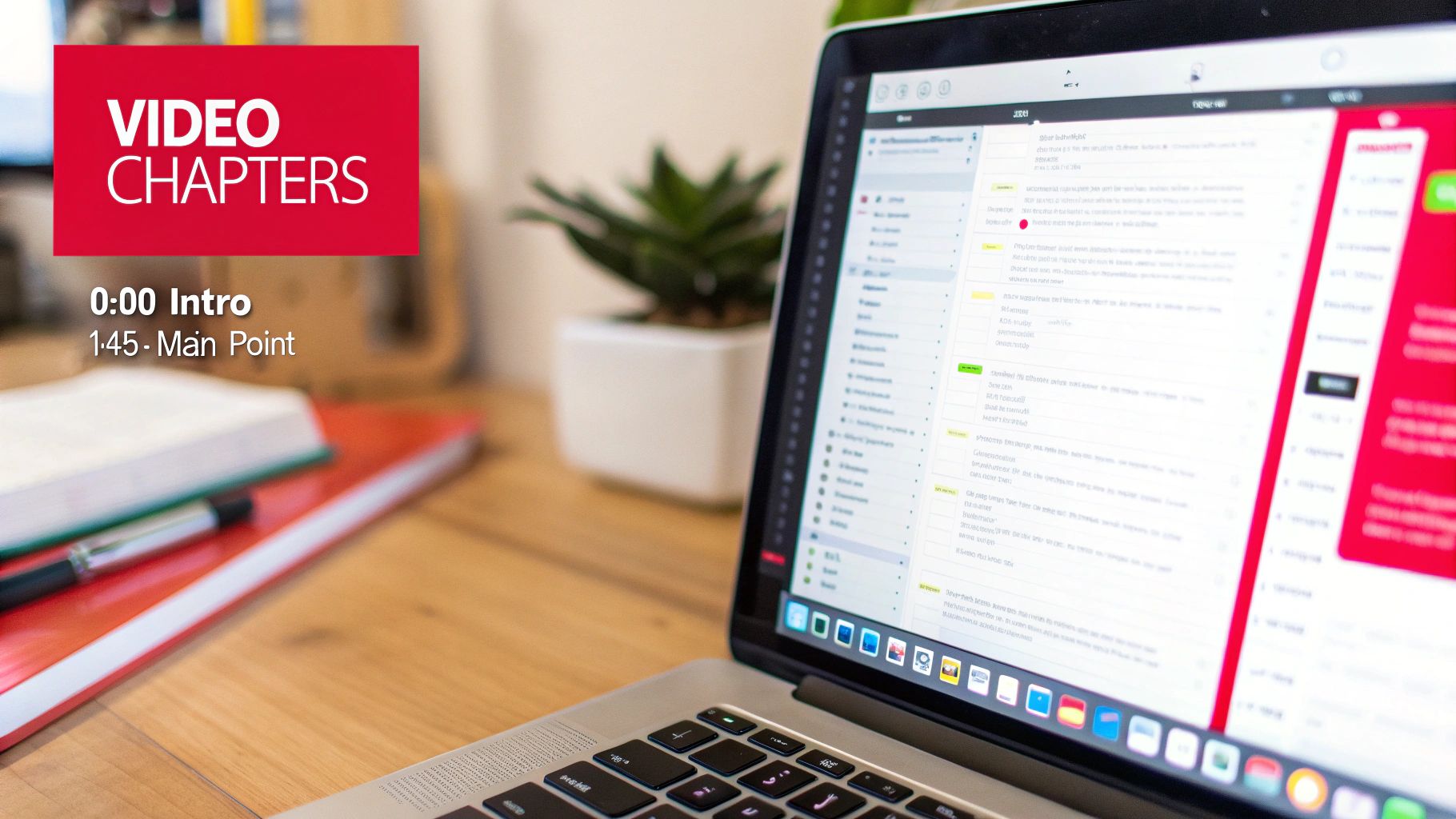
One of the best ways to leverage timestamps for SEO is to build a "table of contents" right in your video description. If you get the formatting right, Youtube automatically converts these into video chapters, which are clickable segments on the video timeline.
This is a game-changer for accessibility. Viewers can see a complete outline and skip straight to the parts they care about most. Even better, Google often pulls these chapters into its search results as "Key Moments," giving your video prime real estate and boosting your click-through rate.
To set up chapters, just list out your timestamps in the description. There are only a few rules to follow:
- Always start with
0:00. Your first timestamp has to mark the very beginning. - Keep them in order. List them chronologically as they appear in the video.
- Write clear titles. Give each timestamp a short, descriptive title so people know what to expect.
A well-organised set of chapters makes your content more accessible and user-friendly. That sends a powerful signal to Youtube that you’re focused on providing a quality experience, which can lead to better rankings.
If you're dealing with a long video and want to boost your productivity, start by using AI to transcribe the Youtube video to text. Having the full text makes it so much easier to pinpoint the perfect spots for your chapter markers, saving you valuable time.
Engaging Viewers in the Comments Section
The description box isn't your only option. The comments section is a fantastic place to use timestamps to highlight key moments and get your community talking.
Try pinning a comment with a list of the most important timestamps. It's the first thing people see when they scroll down, making it perfect for tutorials, Q&A sessions, or long interviews where viewers might be hunting for specific information.
You can also encourage your audience to get in on the action. When someone leaves a comment like, "Loved the tip at 3:15!", it automatically becomes a clickable link. These little interactions are strong social proof for the Youtube algorithm, showing that your audience is deeply engaged. By combining this kind of structural clarity with other actionable Youtube SEO optimization tips, you’ll be sending all the right signals to the platform.
Advanced Timestamp Tips and Common Mistakes to Avoid
Once you get the hang of creating basic Youtube timestamp links, you can start using them in more powerful ways. A great example is embedding a video on your website that starts playing at a specific moment. This is perfect for blog posts or tutorials where you need to highlight a key section without forcing your visitors to scrub through the timeline.
The trick is a small tweak to the standard Youtube embed code. When you copy the <iframe> code from Youtube, just add a ?start= parameter to the video URL inside the code. This parameter needs the time in total seconds. So, to start a video at 1 minute and 30 seconds, you’d add ?start=90 to the end of the URL.
Why Your Timestamp Link Isn't Working
It’s a frustratingly common problem: you craft the perfect timestamp link, send it off, and... it just plays the video from the beginning. This usually happens because of a tiny formatting error that's easy to fix once you know what to look for. The biggest culprit is mixing up the ?t= and &t= parameters.
Here's the simple rule:
- Use
?t=for a "clean" URL that has no other parameters. Think of short links likeyoutu.be/VIDEOID. - Use
&t=for URLs that already contain a question mark, which is common for links copied from a playlist (e.g.,youtube.com/watch?v=VIDEOID&list=...).
A URL can only have one question mark. Adding a second one will break the link, so always double-check the URL before tacking on your timestamp. Getting this one detail right solves most timestamp headaches.
Troubleshooting Other Common Issues
Beyond the ? versus & mix-up, a few other common slip-ups can cause your timestamps to fail. Incorrect time formatting is a big one. You can't just type 1.5m or use spaces like in 1m 30s—it won't work. The correct syntax is either the hms format without spaces, like 1m30s, or just the total number of seconds, like 90s.
Playlist links can also be finicky. When a video is part of a playlist, the URL has both a video ID and a playlist ID. Adding a timestamp can sometimes conflict with the playlist parameters. For the most reliable results, it's often best to grab the clean URL with just the video ID before adding your timestamp.
Pro Tip: Always test your timestamp link in an incognito or private browser window before sharing it widely. This gives you a true preview of what a new visitor will see, clearing away any cached data on your end that might make a broken link appear to work.
This level of care matters, especially as audiences grow. In the Netherlands, for example, the number of Youtube users hit around 9.9 million by 2023, showing steady 8.8% growth. You can find more stats on Youtube's expanding reach on Analyzify.com. For a massive audience like that, a working timestamp link shows you're a professional who respects their time. Avoiding these simple mistakes ensures everyone gets straight to the good stuff.
Automating Timestamps with Smart Transcription Tools
Let’s be honest: scrubbing through a long video to jot down every important moment is a total drag. If you’ve ever tried to timestamp a podcast, a detailed webinar, or a long interview, you know it can burn through hours of your time. Thankfully, there’s a much smarter way to create a youtube timestamp link list for your content.
This is where AI transcription inspires a more productive workflow. AI-powered tools can completely transform your process, turning a tedious manual task into a quick, one-click solution. Instead of constantly hitting pause and rewind, you can let technology do the heavy lifting.
From Hours to Minutes with AI Transcription
Smart tools like YoutubeToText.ai are built to solve this exact problem. They can analyse your entire video and spit out a complete, accurate, and fully timestamped script in just a few minutes. This kind of immediate output is a game-changer for so many people.
Just think about who this helps:
- Researchers can instantly find key quotes or data points in lectures without re-watching the whole thing.
- Video editors can quickly spot the best segments to slice into compelling highlight reels or social media clips.
- Students can build study guides by jumping straight to the most relevant sections of a long educational video.
By 2025, Youtube's position in the Netherlands remains solid, drawing a wide audience with tutorials and commentary, including a noticeable increase among older demographics. Timestamp links are a huge help here, as users can click ?t=300s to skip long introductions, which is perfect for busy researchers scanning Dutch academic lectures. To understand more about these audience trends, check out the latest research on social media in the Netherlands.
Improving Accessibility and Repurposing Content
The benefits of automated transcription don't stop at creating a handy index. Most of these tools let you export the transcript in different formats, like SRT or VTT files, which are the standard for subtitles and closed captions. Instead of adding timestamps by hand, these smart tools can generate the files automatically. You can learn more about creating SRT files for subtitles to see just how that process works.
Having accurate, time-coded captions makes your video content accessible to a much broader audience, including those who are deaf or hard of hearing, as well as people watching in sound-sensitive environments.
This also makes repurposing your content a breeze. A full transcript is the perfect foundation for spinning off blog posts, social media updates, or even detailed summaries. You can find out more about how a high-quality video to text converter can streamline this process. It all starts by turning your spoken words into searchable, timestamped text.
Got Questions About Youtube Timestamps?
You're not alone. When it comes to the nitty-gritty of creating a Youtube timestamp link, a few questions pop up time and time again. Let's get them sorted so you can use these links like a pro.
Can You Add Timestamps to a Youtube Short?
Short answer: no. Youtube Shorts are a completely different beast, designed for quick, bite-sized, looping content. Because of that, the navigational tools we use in longer videos, like chapters and timestamp links, just aren't part of the package.
For now, timestamps are a feature reserved exclusively for standard Youtube videos.
Why Is My Youtube Timestamp Link Not Working?
This is a frustrating one, but the fix is usually simple. More often than not, the culprit is a small formatting mistake. The most common error I see is using a ? when you should be using an &. A URL can only have one question mark to start its parameters. If it already has one (like for a playlist), any new parameter must start with an ampersand.
A few other common snags include:
- Incorrect time format: You might have written
5m 20swith a space, but the link needs it to be5m20s. Those little details matter. - Using shortened youtu.be links: They're great for sharing, but sometimes they can be a bit fussy with timestamps. Sticking to the full
youtube.comURL is always a safer bet. - Forgetting the
0:00start time: If you're building chapters in your video description, you absolutely must include a0:00timestamp for the whole feature to work.
My go-to advice? Always double-check your format and use the full
youtube.comURL. It’s the most reliable way to make sure your timestamp link works every single time. A quick test in an incognito browser window before sharing can save you a lot of headaches.
How Do Timestamps Affect Watch Time and Analytics?
It feels a bit counterintuitive, doesn't it? Letting people skip ahead seems like it would torpedo your watch time. But in reality, timestamps often boost your channel's overall health by massively improving the viewer experience.
Think of it this way: a viewer who jumps straight to the answer they were looking for is a happy viewer. They're far more likely to hit the like button, share that specific, helpful clip, or leave a comment about that key moment. These are precisely the positive signals that the Youtube algorithm loves to see.
A satisfied viewer is also more likely to subscribe or check out another one of your videos. So by adding timestamps, you're not just guiding viewers—you're proving to the algorithm that your content delivers real value, efficiently.
Stop wasting time manually transcribing your videos. YoutubeToText.ai automatically generates accurate, timestamped transcripts in minutes, solving the problem of manual labor and boosting your productivity. Create chapters, subtitles, and repurposed content effortlessly. Try it for free today!